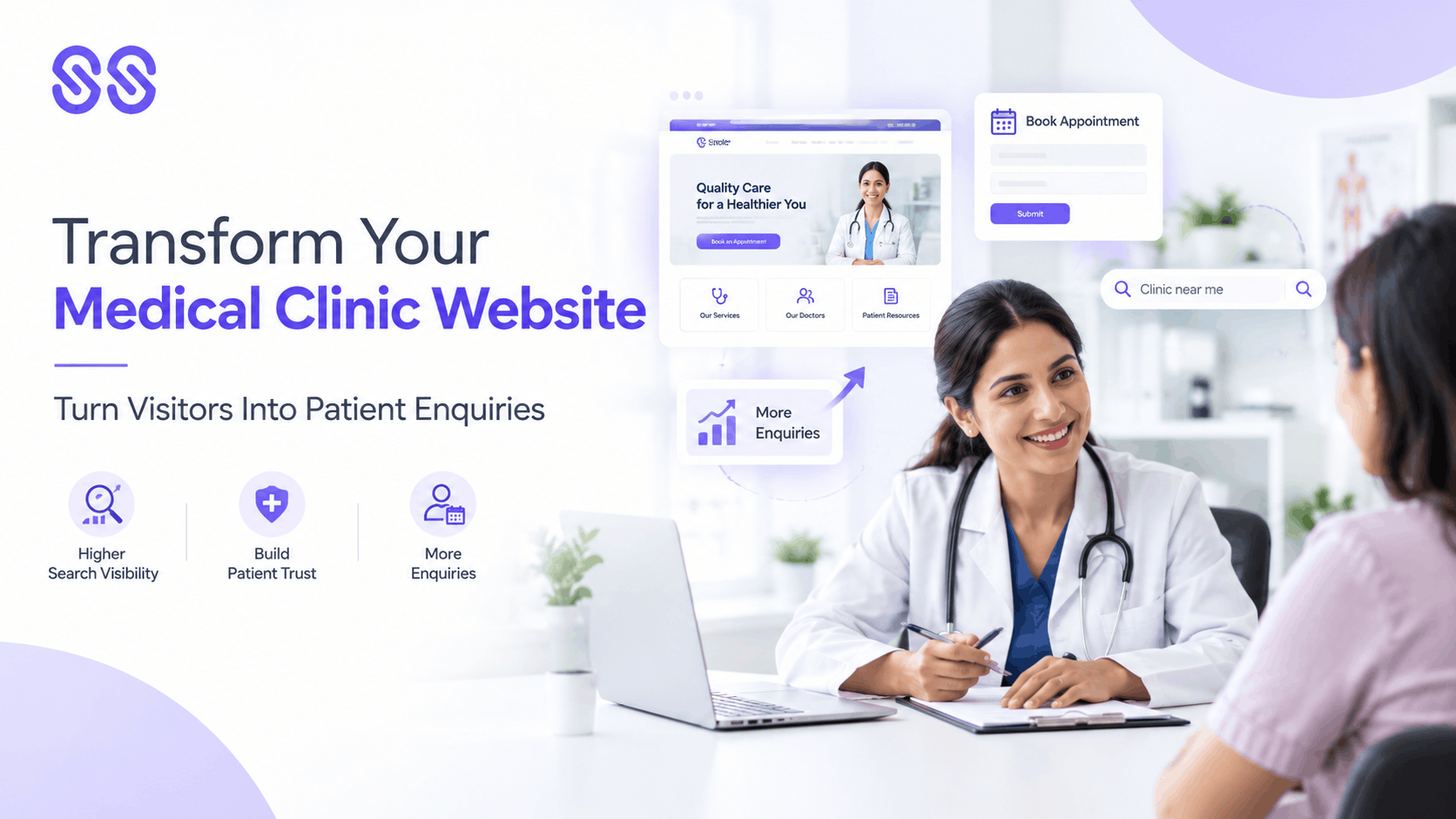
A medical clinic website is often the first place potential patients visit when searching for a doctor, comparing healthcare providers or looking for information about a treatment. Before making an appointment, they may review the clinic's services, check practitioner credentials, explore patient information and look for clear contact details.
If the website is slow, difficult to navigate or missing essential information, visitors may leave without making an inquiry—even when the clinic offers the services they need.
This is why a medical clinic website should do more than display basic business information. It should help patients understand the clinic, find relevant services, build confidence in its professionals and take an appropriate next step.
A successful website combines professional design, useful content, search engine optimisation, mobile usability and a straightforward enquiry process. With the right approach, a clinic website can become an important part of its patient acquisition strategy.
Why Your Medical Clinic Website Matters
A well-designed website helps potential patients evaluate a clinic before contacting it. It also gives the practice control over how its services, expertise and patient information are presented online.
A strong website can help a clinic:
- Improve visibility in relevant search results.
- Explain services and treatment options.
- Present doctors' qualifications and areas of practice.
- Provide accurate location and contact information.
- Answer common patient questions.
- Support appointment requests.
- Create a consistent experience across devices.
However, a website alone cannot guarantee patient enquiries. Results depend on factors such as search demand, competition, the clinic's services, website quality and how effectively enquiries are handled.
The objective is to create a website that supports both patient information needs and the clinic's business goals.
1. Invest in Professional Medical Website Design
Medical website design involves more than choosing attractive colours and adding photographs. It requires a layout that makes healthcare information easy to understand and important actions easy to find.
Patients should be able to identify the clinic's services, understand who provides care and locate contact information without unnecessary effort.
Create a clear homepage
The homepage should immediately communicate the clinic's identity, main services and location.
A useful homepage typically includes a clear headline, a short introduction, links to priority services, doctor information, location details and a visible appointment or contact option.
Avoid overcrowding the page with too many messages. A focused layout helps visitors understand what the clinic offers.
Use a consistent visual identity
Colours, typography, imagery and design elements should create a consistent professional appearance.
Use genuine clinic and practitioner photographs where appropriate. Images should be high quality, relevant and respectful of patient privacy.
Prioritise accessibility
Text should be readable, navigation should be predictable and important information should not depend solely on colour or images.
Accessible design helps more people use the website, including visitors with visual, motor or other accessibility needs.
2. Build a Website Structure Around Medical Services
A common problem with a medical clinic website is that important services are buried within generic pages.
Patients searching for a specific treatment should be able to find a relevant page quickly.
Create dedicated service pages
Where services have distinct patient needs and search intent, develop individual pages that explain them clearly.
For example, a multispecialty clinic might have separate pages for dermatology, orthopaedics, physiotherapy and general consultations.
Each page should explain what the service involves, who provides it, where it is available and how to enquire.
Make doctor profiles easy to access
Doctor profiles can help patients understand a clinician's qualifications, relevant experience, areas of practice and professional background.
Keep this information accurate and up to date. Do not use unverified credentials or unsupported claims about clinical outcomes.
Simplify navigation
Organise the website around the information visitors are most likely to need.
A practical navigation structure may include:
- Home
- About the Clinic
- Our Doctors
- Services
- Patient Resources
- Locations
- Blog
- Contact
The exact structure should reflect the clinic's size and services rather than following a rigid template.
3. Use Clinic Website Design to Build Patient Trust
Healthcare decisions often involve uncertainty. A website should help visitors find reliable information rather than relying on promotional language alone.
Effective clinic website design supports trust through transparency and consistency.
Important trust elements include:
- Accurate practitioner credentials.
- Clear service descriptions.
- Current contact information.
- Clinic address and opening hours.
- Professional author and reviewer details for medical content where appropriate.
- Transparent appointment information.
- Clear privacy and data-handling information.
- Authentic reviews where permitted and available.
Avoid guarantees such as "100% successful treatment" or unsupported claims that the clinic is the best provider in a region.
Trust is strengthened when the information presented online reflects the services and experience patients can genuinely expect.
4. Optimise Your Medical Clinic Website for Search Engines
A visually appealing website may still struggle to attract visitors if search engines cannot properly discover, understand or index its pages.
Medical website optimisation should therefore include a combination of technical SEO, on-page improvements, content quality and local search optimisation.
Conduct keyword research
Identify the searches relevant to the clinic's services and locations.
Keyword themes may include:
- Medical clinic in [location]
- Dermatologist in [location]
- Orthopaedic consultation
- Physiotherapy clinic near me
- Specialist doctor in [location]
Assign keywords according to search intent and create pages that genuinely answer those queries.
Optimise titles and headings
Each important page should have a descriptive title, a clear H1 and logical H2 and H3 headings.
Use relevant keywords naturally. Repeating the same phrase excessively can make content difficult to read without improving its usefulness.
Strengthen internal linking
Link related pages where it helps visitors navigate the website.
For example, a blog about common causes of knee pain could link to the clinic's relevant orthopaedic service page.
Resolve technical issues
Review indexing, crawlability, broken links, redirects, XML sitemaps, canonical tags and mobile performance. Fix issues based on their impact on users and search visibility.
5. Make Your Medical Clinic Website Mobile-Friendly
Many people search for healthcare services on their smartphones. A website that works well on desktop but poorly on mobile can create unnecessary friction.
Mobile-friendly healthcare website development should ensure that visitors can read information, navigate pages and contact the clinic comfortably on smaller screens.
Important considerations include:
- Responsive page layouts.
- Readable text sizes.
- Touch-friendly buttons.
- Clickable phone numbers.
- Short, usable enquiry forms.
- Fast-loading images.
- Clear navigation.
- Accessible forms and error messages.
Test the most important patient journeys on different screen sizes. Check whether a visitor can find a service, review the relevant doctor and contact the clinic without difficulty.
6. Improve Website Speed and Technical Performance
Slow loading can frustrate visitors and make important information harder to access.
A technical performance review should examine image sizes, unnecessary scripts, server response times, caching, code efficiency and third-party integrations.
Useful improvements may include compressing images, using modern image formats, reducing unnecessary scripts and improving caching.
Google's Core Web Vitals can help evaluate real-world loading performance, responsiveness and visual stability.
However, performance optimisation should be treated as part of a broader website strategy. A fast website still needs relevant content, clear navigation and an effective enquiry process.
7. Create Helpful Healthcare Content
A clinic website should answer questions that patients commonly ask before contacting a provider.
Educational content can help visitors understand conditions, available services and what to expect from an appointment.
Examples include:
- What happens during a specialist consultation?
- When should you see a physiotherapist?
- What should you ask a dermatologist?
- How should you prepare for a medical appointment?
- What factors can influence treatment decisions?
Content should be accurate, easy to understand and appropriate to the clinic's expertise.
For medical topics, identify qualified authors or reviewers where appropriate and use reliable sources for clinical claims. Review pages periodically to correct outdated information.
8. Use Local SEO to Help Nearby Patients Find Your Clinic
For clinics serving a defined area, local search visibility can be a major source of relevant website visits and enquiries.
Local SEO helps connect the clinic's online presence with people searching for nearby healthcare providers.
Optimise Google Business Profile
Keep the clinic's name, address, phone number, hours, website and relevant categories accurate.
Add appropriate photographs and ensure the profile reflects the actual services offered.
Create useful location pages
If the clinic operates at multiple locations, provide accurate information for each one.
A location page should include the relevant address, available services, directions and contact details. Avoid creating duplicate pages for areas where the clinic does not genuinely operate or serve patients.
Maintain consistent business information
Check important directories and listings for outdated phone numbers, addresses and website links.
Consistency helps visitors identify the correct clinic and reduces confusion when trying to make contact.
9. Turn Website Visitors into Patient Enquiries
Attracting visitors is only one part of website performance. The next step is helping suitable visitors contact the clinic.
A conversion-focused medical clinic website should provide clear and appropriate ways to enquire.
Use clear calls to action
Examples include "Request an Appointment," "Contact the Clinic" and "View Our Services."
The call to action should match the page's purpose and the visitor's likely intent.
Simplify enquiry forms
Collect only the information needed for the initial enquiry. Avoid asking for unnecessary sensitive medical details through a general marketing form.
Ensure that forms are tested, errors are clearly explained and submissions reach the appropriate team.
Make phone contact easy
Display phone numbers clearly and make them clickable on mobile devices. If the clinic accepts appointment requests through other channels, explain how those options work.
Set expectations
Where appropriate, explain how the clinic handles appointment requests and when visitors can expect a response. This helps make the enquiry process more transparent.
10. Use Conversion Tracking to Measure Website Performance
A clinic should understand how its website contributes to enquiries rather than evaluating performance through traffic alone.
Useful metrics include:
- Organic search clicks and impressions.
- Visits to important service pages.
- Phone calls.
- Contact form submissions.
- Appointment requests.
- Qualified enquiries.
- Conversion rate.
- Mobile versus desktop performance.
- Landing-page performance.
Set up analytics and conversion tracking carefully. Avoid sending identifiable patient information or sensitive health details to analytics or advertising platforms unless the handling is lawful and appropriately configured.
Review data regularly to identify which pages attract relevant visitors and which parts of the enquiry process need improvement.
11. Common Medical Website Development Mistakes to Avoid
Using a generic website template without adaptation
A template can provide a starting point, but the final website should reflect the clinic's actual services, patients and operational needs.
Hiding important information
Patients should not have to search extensively for doctor details, services, location information or contact options.
Publishing thin service pages
Pages with minimal information may fail to answer patient questions. Develop content that provides genuine value for each important service.
Ignoring accessibility
Small text, confusing navigation and inaccessible forms can prevent people from using the website effectively.
Overloading pages with pop-ups
Repeated pop-ups can interrupt visitors and make healthcare information difficult to access.
Neglecting website maintenance
Outdated plugins, broken links, incorrect opening hours and untested forms can damage usability and trust.
Focusing only on design
Visual quality matters, but it must be supported by relevant content, technical performance, SEO and a clear conversion journey.
12. A Practical Plan to Improve Your Medical Clinic Website
Use the following workflow to turn website improvements into a structured project.
Step 1: Audit the current website. Review technical SEO, content quality, mobile usability, speed and enquiry paths.
Step 2: Identify priority services. Determine which services deserve dedicated pages and stronger visibility.
Step 3: Improve website architecture. Organise navigation around services, doctors, locations and patient information.
Step 4: Strengthen service pages. Add accurate, useful information and relevant calls to action.
Step 5: Improve technical performance. Address indexing issues, broken links, redirects and performance bottlenecks.
Step 6: Optimise local SEO. Verify Google Business Profile details and relevant location pages.
Step 7: Improve conversion paths. Test calls, contact forms, appointment requests and mobile navigation.
Step 8: Publish helpful content. Address genuine patient questions using appropriately reviewed information.
Step 9: Implement measurement. Track relevant enquiries and website performance.
Step 10: Review and refine. Use real performance data to prioritise future improvements.
How Socialsect Can Help Improve Your Medical Clinic Website
Socialsect can help clinics develop a website strategy that connects design, healthcare SEO, content and conversion optimisation.
The process begins by reviewing the clinic's current website, priority services, target locations, technical performance and existing enquiry journey.
From there, improvements can focus on clearer service pages, better mobile usability, stronger search visibility, trustworthy professional information and more accessible contact options.
The goal is to build a website that serves patients effectively while supporting the clinic's wider digital marketing and patient acquisition objectives.
Conclusion
A successful medical clinic website is more than an online brochure. It is a key point of contact where potential patients discover services, evaluate professional information and decide whether to make an enquiry.
Effective medical website design, reliable healthcare website development and ongoing medical website optimisation work together to create a stronger digital experience.
By improving service pages, technical performance, mobile usability, local search visibility and conversion paths, clinics can make their websites more useful to patients and better aligned with their growth goals.
The priority is to build a website that combines visibility, credibility, usability and measurable enquiries. When these elements work together, a clinic's website becomes a stronger part of its long-term digital marketing strategy.