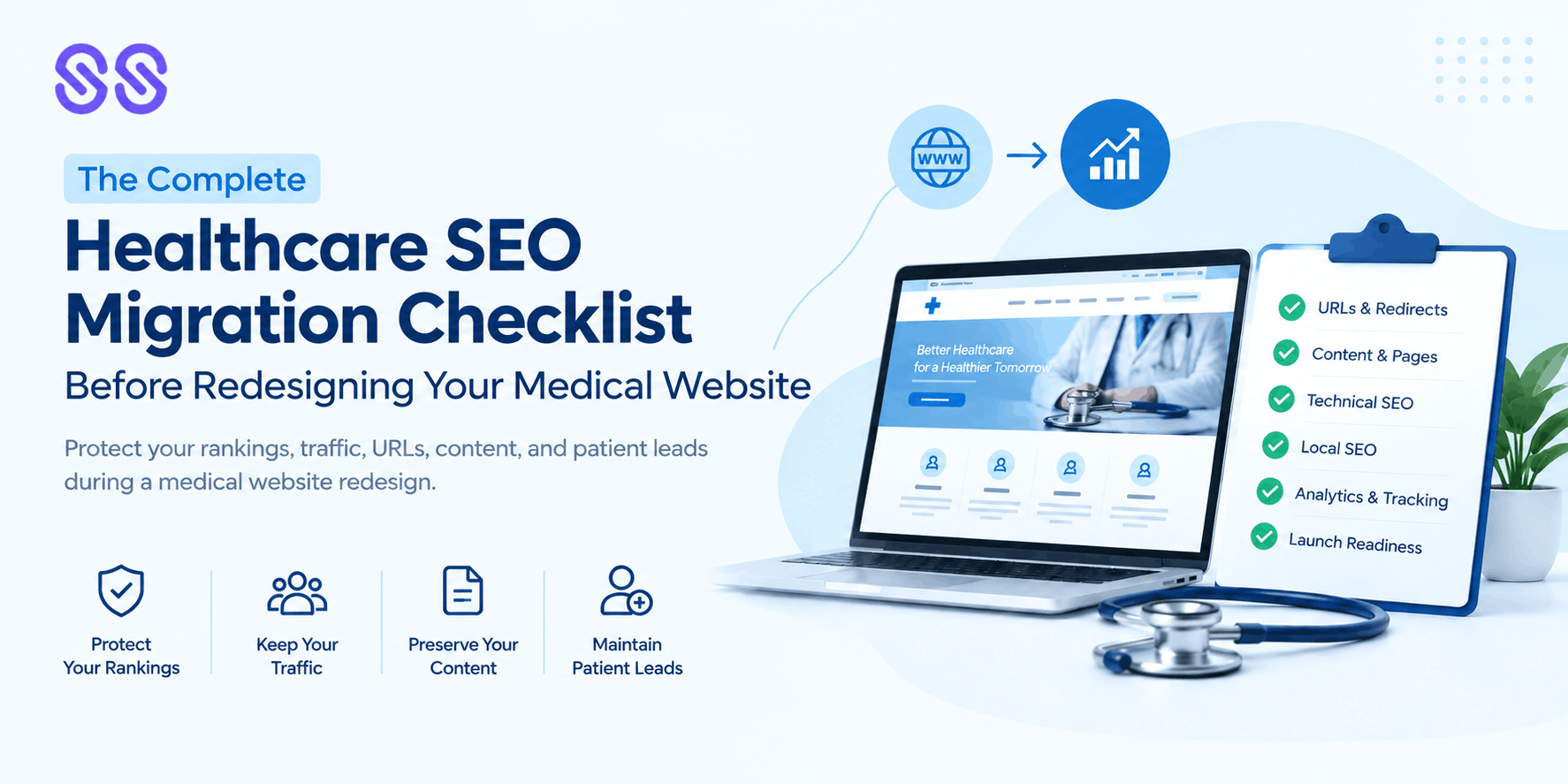
Redesigning a medical website can improve its appearance, usability, performance, and patient experience. However, a redesign can also create significant SEO problems if search visibility is not considered before development begins.
Changing URLs, removing pages, restructuring navigation, replacing content, modifying internal links, or launching a new website without proper redirects can cause organic traffic and rankings to decline.
This is why healthcare website migration SEO should be part of the redesign process from the beginning—not something added after the new website goes live.
A healthcare SEO migration requires additional care because medical websites depend heavily on accurate service information, practitioner profiles, location pages, educational content, local search visibility, and trust signals. Losing these assets during a redesign can affect both search engines and prospective patients.
This complete checklist explains what healthcare organisations, doctors, clinics, hospitals, and SEO teams should review before launching a redesigned medical website.
What Is Healthcare Website Migration SEO?
Healthcare website migration SEO is the process of protecting and improving a medical website's organic search performance while moving from an existing website structure to a new one. A healthcare marketing agency can help healthcare organisations, clinics, hospitals, and medical practices manage this process while protecting their existing search visibility, rankings, traffic, and patient enquiries.
A migration can involve:
- A complete website redesign
- Changing the CMS
- Changing website architecture
- Moving to a new domain
- Changing URLs
- Moving from HTTP to HTTPS
- Consolidating pages
- Removing outdated content
- Changing hosting
- Rebranding
- Merging websites
- Moving from one technology platform to another
Not every redesign changes the domain, but even a redesign on the same domain can create SEO risks if URLs, content, navigation, or technical settings change.
The objective is simple:
Launch the new website without unnecessarily losing the SEO value built by the existing website.
Why Healthcare Website Migration SEO Matters
Medical websites can accumulate SEO value over many years.
Individual service pages, specialist profiles, educational articles, location pages, backlinks, internal links, and indexed URLs can all contribute to organic visibility.
During a redesign, some of these assets can accidentally disappear.
For example, a development team might remove an old service page because it is not included in the new design. If that URL receives organic traffic or valuable backlinks, deleting it without an appropriate replacement can create a significant SEO problem.
A healthcare SEO migration therefore requires coordination between:
- SEO
- Development
- Content
- Design
- Healthcare stakeholders
- Marketing
- Analytics teams
SEO should be involved before development is finalised, not after launch.
Healthcare Website Migration SEO Checklist
1. Crawl the Existing Medical Website
Before changing anything, create a reliable picture of the current website.
A pre-migration crawl should identify:
- Existing URLs
- Status codes
- Page titles
- Meta descriptions
- H1 headings
- Canonical URLs
- Indexability
- Internal links
- Images
- Redirects
- Content
- XML sitemap URLs
This crawl becomes your baseline for comparing the old and new website.
Do not assume that every existing URL is unimportant simply because it does not appear in the main navigation.
Some pages may generate organic traffic or receive external links.
2. Export Your Organic Performance Data
Review your existing search performance before migration.
Use available analytics and search data to identify:
- High-traffic pages
- High-impression pages
- Pages generating enquiries
- Important service pages
- Ranking keywords
- Local landing pages
- Valuable educational content
Pay particular attention to pages that generate patient enquiries or appointment-related actions.
A page with modest traffic but strong conversion performance may be more commercially important than a blog receiving thousands of visits.
3. Create a Complete URL Inventory
Create a complete list of all important existing URLs before starting the migration. This should include service pages, doctor or practitioner profiles, blog articles, and other valuable pages. For each URL, note the corresponding new URL, page type, organic traffic, priority, and whether a 301 redirect is required. This helps ensure that no important page or SEO value is lost during the migration.
4. Map Old URLs to New URLs
URL mapping is one of the most important parts of healthcare website migration SEO.
For every important old URL, determine whether:
- The same URL will remain
- It will move to a new URL
- It will be consolidated with another page
- It should be removed
When a relevant page moves, create an appropriate permanent redirect from the old URL to the most relevant new destination.
Avoid sending every old URL to the homepage simply because it is convenient. The destination should provide a meaningful replacement for the original page.
5. Protect High-Value Medical Service Pages
Service pages deserve special attention during a medical website redesign.
Before launch, identify pages targeting important searches for:
- Medical treatments
- Procedures
- Conditions
- Specialities
- Consultations
- Diagnostic services
- Specialist services
- Locations
Compare the old and new versions to ensure that important information has not been unnecessarily removed.
A redesign should improve the page experience without accidentally reducing its usefulness or relevance.
6. Review Medical Content Before Migration
A redesign is an excellent opportunity to improve content, but content removal should be strategic.
Review whether existing content is:
- Accurate
- Current
- Useful
- Relevant
- Original
- Properly structured
- Aligned with search intent
Healthcare content also requires particular attention to trust and accuracy.
Avoid replacing useful medical information with generic marketing copy simply to achieve a cleaner design.
Where appropriate, healthcare content should clearly communicate genuine expertise and provide patients with reliable information.
7. Protect E-E-A-T Signals
E-E-A-T—Experience, Expertise, Authoritativeness, and Trustworthiness—is particularly relevant when rebuilding a healthcare website.
During migration, make sure important trust signals remain accessible.
Review:
- Doctor profiles
- Qualifications
- Professional experience
- Areas of expertise
- Author information
- Medical review information where appropriate
- Relevant professional memberships
- References
- Contact information
- Practice details
Do not create or retain claims that cannot be supported.
A visually modern website should not come at the expense of transparency about who provides healthcare services.
8. Preserve Internal Linking
Internal links help users and search engines navigate your website.
During a redesign, navigation menus and page structures often change. This can unintentionally remove valuable internal links.
Review connections between:
Condition pages → Treatment pages → Specialist pages → Location pages → Appointment pathways
Also identify important pages that previously received many internal links.
A new website should have a logical information architecture that makes important healthcare content easy to discover.
9. Review the New Website's Technical SEO
Before launch, inspect the staging website carefully.
Check:
- Indexability settings
- Robots.txt
- XML sitemap
- Canonical tags
- Meta robots directives
- Page titles
- Meta descriptions
- Heading structure
- Structured data
- Mobile usability
- Page performance
- Internal links
- Image handling
- 404 pages
- Redirects
One common migration mistake is accidentally leaving a staging site's noindex setting active after launch.
Technical checks should therefore happen immediately before and immediately after launch.
10. Test 301 Redirects
Redirect testing should be completed before the new website becomes the primary live experience.
Verify that important old URLs redirect correctly to their new equivalents.
Avoid unnecessary redirect chains such as:
Old URL → Temporary URL → New URL
Whenever possible, direct the old URL to the final destination.
Also test:
- HTTP to HTTPS
- Old URL variations
- Trailing slash variations where relevant
- Changed page structures
- Deleted pages
- Legacy URLs
11. Check XML Sitemaps
Your new XML sitemap should contain the URLs you actually want search engines to discover and index.
Before submitting it, check that it does not contain:
- Redirected URLs
- Broken URLs
- Non-canonical URLs
- Unwanted pages
- Duplicate URLs
After launch, verify that the sitemap is accessible and reflects the new website structure.
12. Review Structured Data
If the existing website uses structured data, compare it with the new implementation.
Depending on the website, relevant structured data may include information related to:
- Organisation
- Local business
- Medical organisation
- Person
- Article
- Breadcrumbs
- FAQs where eligible and appropriate
Structured data should accurately represent visible website content.
Do not add structured data simply to create search features that the page does not genuinely support.
13. Protect Local SEO Signals
For medical practices serving specific communities, local SEO should be included in the migration checklist.
Check that the new website retains accurate:
- Practice name
- Address
- Phone number
- Opening information
- Location details
- Service areas
- Practitioner information
Review important location pages and make sure they are not accidentally removed, consolidated, or replaced with thin duplicate pages.
Local SEO should reflect where the practice genuinely operates and serves patients.
14. Check Analytics and Conversion Tracking
A website migration can break analytics and lead tracking even when the website itself appears to work correctly.
Before launch, document existing tracking.
Check:
- Analytics
- Search Console
- Phone tracking
- Contact forms
- Appointment forms
- Conversion events
- CTA tracking
- Thank-you pages
- Marketing integrations
After launch, test actual conversions rather than simply checking whether the tracking script exists.
For a medical practice, knowing that users can still request appointments or contact the clinic is just as important as monitoring rankings.
15. Perform a Final Pre-Launch SEO Review
Before launch, conduct one final SEO review.
Confirm:
- Important URLs are mapped
- Redirects are ready
- Important content is present
- Service pages are accessible
- Practitioner information is preserved
- Internal links work
- Canonicals are correct
- XML sitemap is ready
- Robots directives are correct
- Structured data is implemented appropriately
- Analytics works
- Conversion tracking works
- Mobile experience is functional
A launch checklist can prevent small oversights from becoming large SEO problems.
What to Monitor After a Medical Website Migration
SEO migration work does not end when the new website goes live.
Monitor the website closely after launch.
Review:
- Organic traffic
- Search impressions
- Clicks
- Ranking changes
- Indexed pages
- Crawl errors
- Redirect errors
- 404 responses
- Search Console data
- Organic conversions
- Important service pages
Compare performance with your pre-migration baseline.
Some fluctuations can occur during website changes, but significant or sustained declines should be investigated rather than ignored.
Common Healthcare SEO Migration Mistakes
Several mistakes repeatedly create avoidable problems during medical website redesigns.
Launching Without URL Mapping
If old URLs disappear without appropriate replacements, valuable organic equity can be lost.
Removing High-Value Content
Content that looks outdated from a design perspective may still attract valuable search traffic or backlinks.
Redirecting Everything to the Homepage
The homepage is rarely the appropriate replacement for every old URL.
Forgetting Staging Controls
Development websites may contain indexing restrictions that must be reviewed before launch.
Changing URLs Without SEO Input
URL changes should be planned rather than treated as a design decision.
Ignoring Local SEO
Removing location information or practice details can weaken local search visibility.
Forgetting Conversion Tracking
A website can appear technically successful while appointment forms or lead tracking are no longer working.
How to Make a Healthcare Website Redesign SEO-Friendly
The best approach is to make SEO part of the redesign process from the beginning.
A practical workflow is:
Audit → Crawl → Analyse → Map URLs → Review Content → Build → Test → Redirect → Launch → Monitor
This approach gives SEO, development, content, and design teams a shared framework.
It also reduces the risk of discovering major SEO problems after the website has already launched.
Final Thoughts
A medical website redesign should improve the experience for both patients and search engines—not force you to choose between design and SEO.
A properly planned healthcare website migration SEO process protects valuable URLs, content, rankings, backlinks, local visibility, practitioner information, and conversion pathways. A well-executed healthcare SEO migration also helps ensure that important technical SEO elements, content, internal links, and website structures continue to support organic search performance after the redesign.
The most important principle is simple:
Do not treat SEO as a post-launch task.
Start with the existing website, understand what already generates value, map that value to the new website, test every important element, and monitor performance after launch.
When SEO is integrated into the redesign from the beginning, your new medical website has a much stronger foundation for maintaining existing visibility while creating opportunities for future organic growth.